Navigating Kubernetes has never been easier with Tider
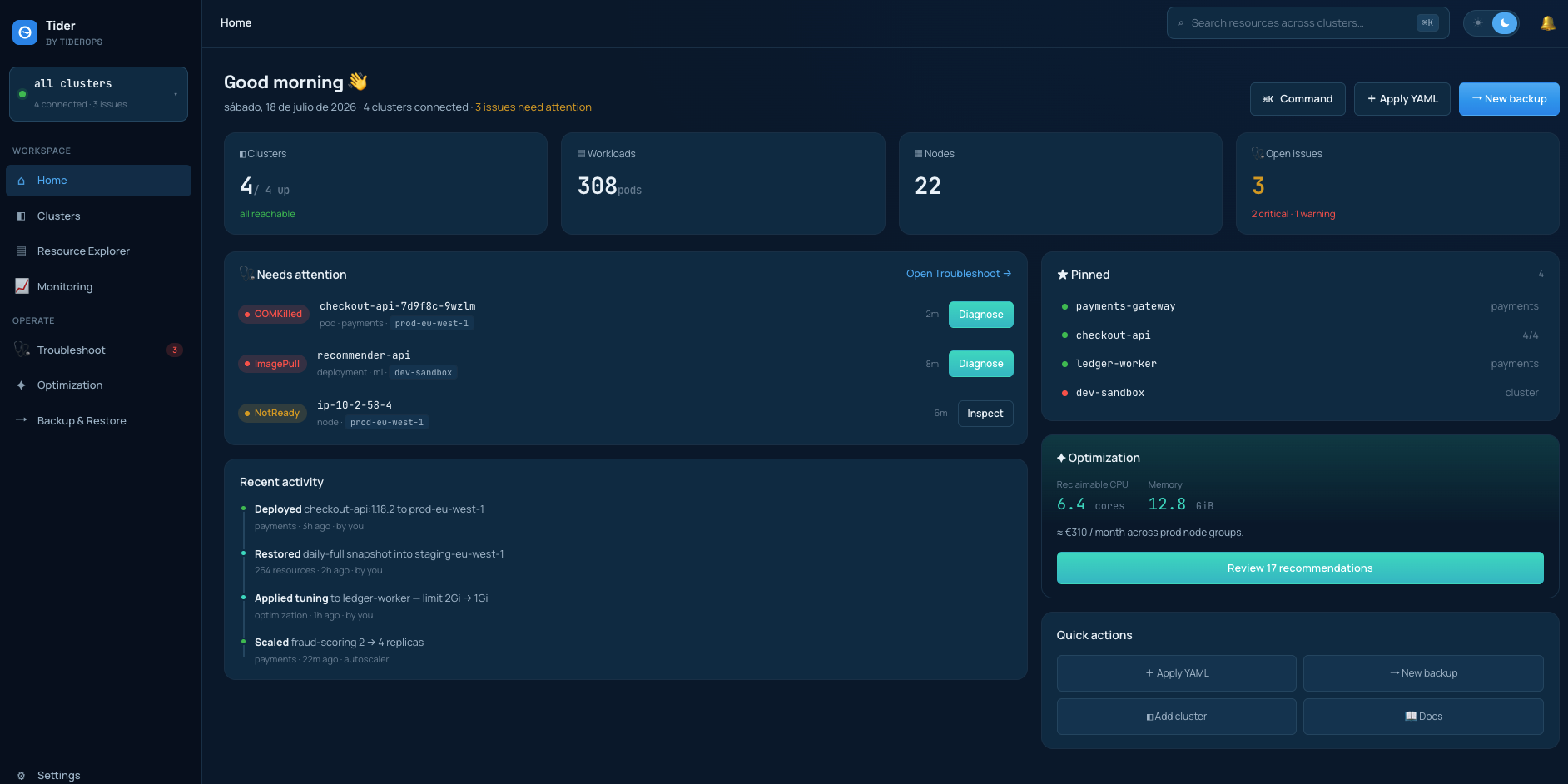
Tider is a desktop app that connects to your clusters in seconds — no login — and helps you manage, monitor, and troubleshoot them with AI.
Operating Kubernetes shouldn't require a senior SRE on call.
Context sprawl
A single diagnosis means jumping between kubectl, dashboards, logs, events, GitOps and chat — assembling evidence by hand, every time.
Repeated work
Different engineers re-run the same describe, get and log commands on the same incident — then wait for a senior engineer to interpret them.
Slow troubleshooting
A pod crashes and the fix lives in someone's head or a stale runbook.
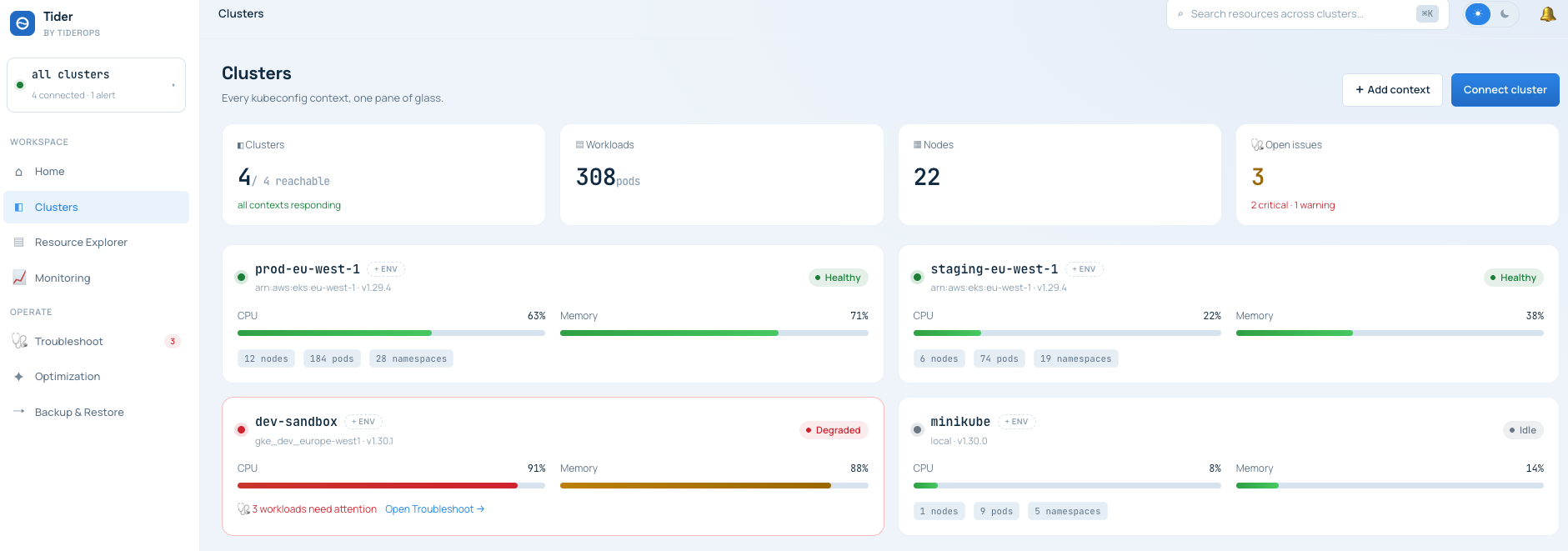
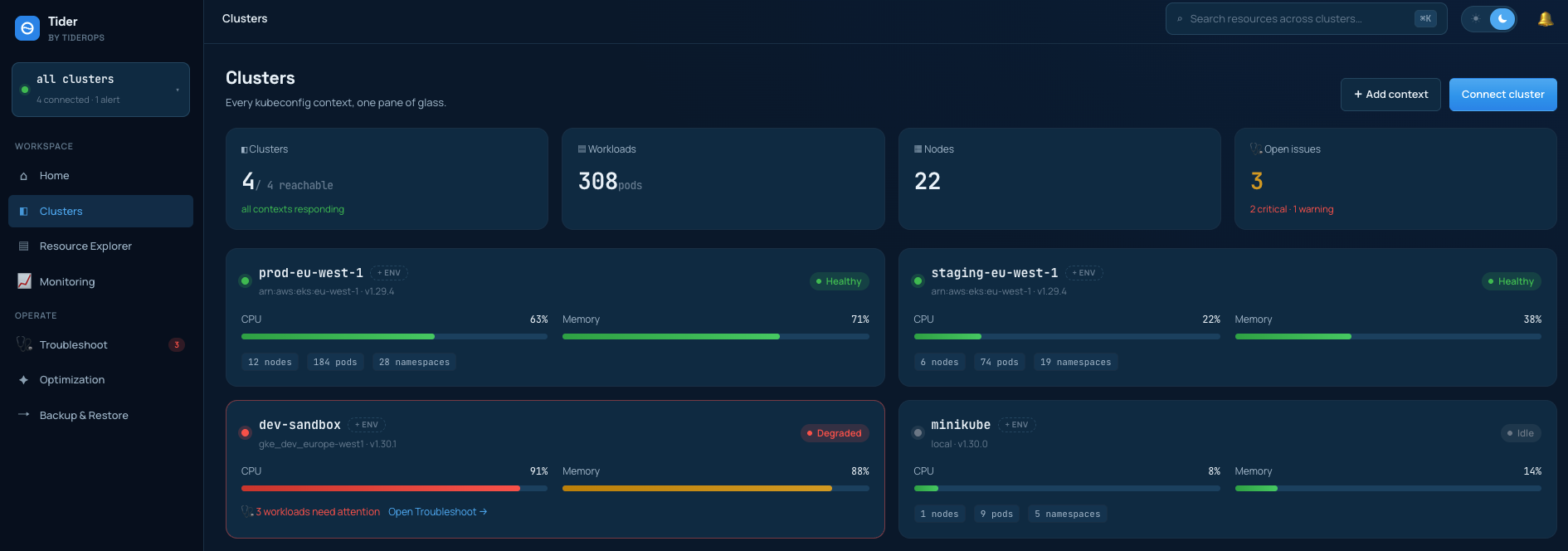
Connect instantly — no login.
Tider uses your existing ~/.kube/config and identity chain. Every context is live in seconds, with fast multi-cluster switching.
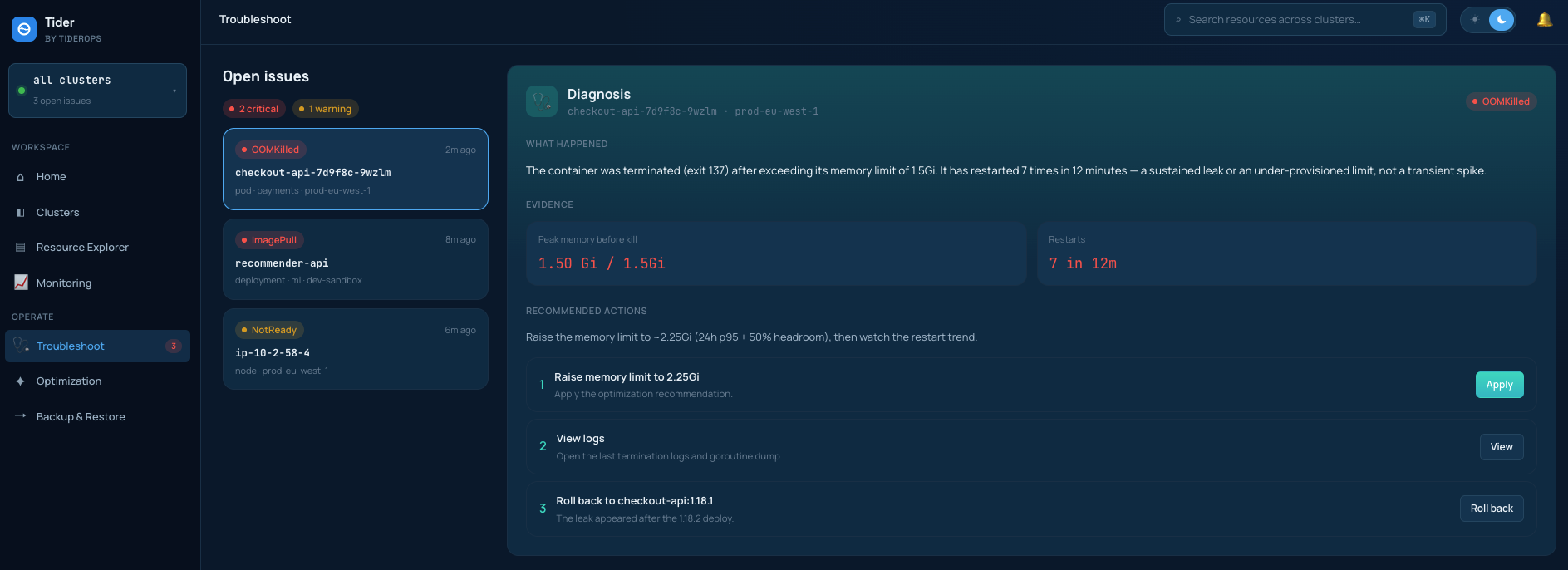
Deterministic diagnosis, not guesses.
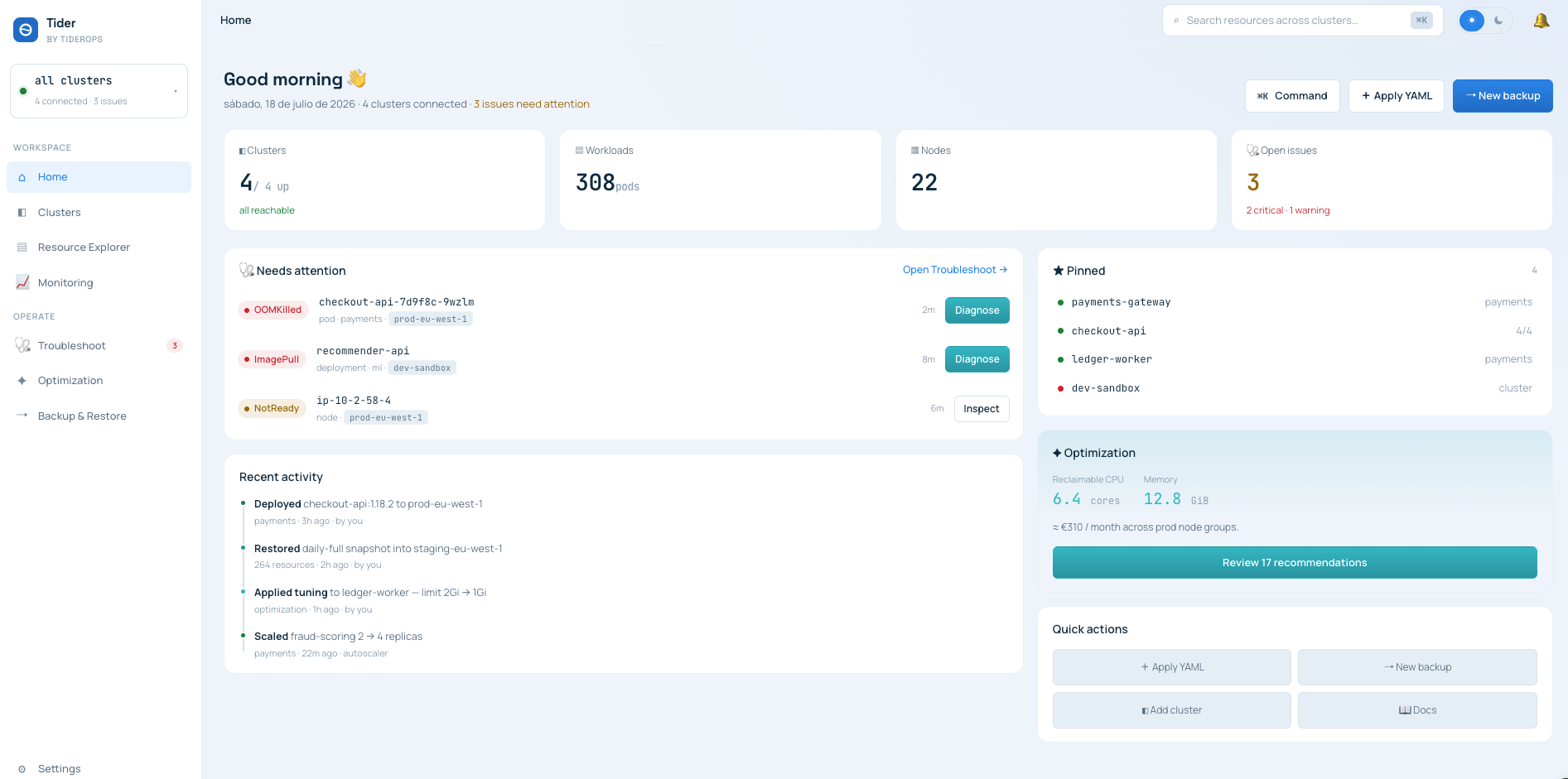
Hit Diagnose on a failing workload. Tider collects a bounded evidence snapshot — status, owner chain, events, rollout state, metrics — and a rule engine returns findings with severity and confidence. When the evidence is weak, it says “insufficient evidence” instead of inventing a root cause.
Tie the failure to the change behind it.
Tider builds a change timeline from Kubernetes rollout data and Argo CD metadata, so you see what changed right before things broke — with a confidence level, not a verdict.
candidate change: rev 42 · confidence: probable
An incident record your team can reuse.
Every diagnosis is stored locally and exports to Markdown or JSON with the evidence attached — ready for the incident channel, the postmortem, or your platform lead.
Local-first.
Inspect the code. Run it entirely on your machine. Opt-in telemetry only, redacted at the edge — you see exactly what leaves.
# trust posture
kubernetes_access: read-only
raw_data_egress: never (default)
telemetry: off (opt-in, allowlisted)
open source · signed builds · SBOM
Failing pod to incident report in three steps.
Install
One command or a signed download. No account to create.
brew install tider Connect
Tider reads your existing kubeconfig — every context is already there. Pick the failing workload.
Operate
Browse, monitor, and diagnose across your fleet.
Honest about the alternatives.
| Tider | Lens / OpenLens | k9s | k8sgpt | |
|---|---|---|---|---|
| No login required | account | |||
| Assembled evidence bundle (state, events, rollout, metrics) | browse manually | browse manually | one-shot scan | |
| Deterministic findings with confidence — works without an LLM key | LLM required | |||
| Change attribution (rollout + Argo CD timeline) | ||||
| Local incident history & report export | ||||
| Open source | OpenLens |
Tested with your Kubernetes
Every release publishes a tested Kubernetes and client-go support matrix — no universal-compatibility claims


Expanding the tested matrix
EKS, GKE, AKS, DigitalOcean and OpenShift are next. Outside the matrix, Tider degrades gracefully and tells you which evidence it couldn't collect


